















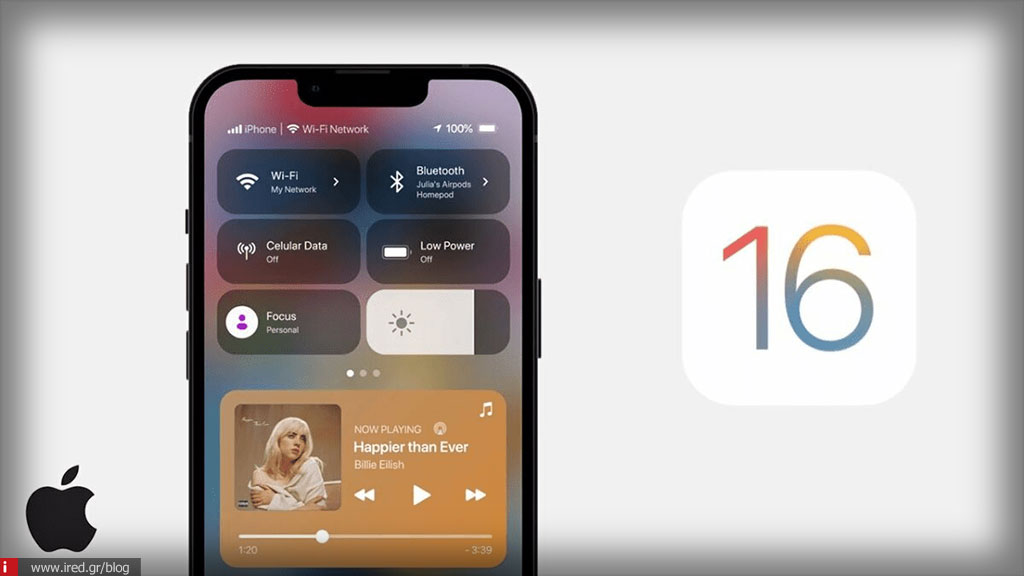
Read also: These are the new iOS 16 features we can't wait to try
iOS 16 is going to be officially released this autumn. For the impatient who want to discover the new features, the beta version is already available to install. Although many of the update's new features are already known, there are quite a few that aren't immediately obvious and that you may not know about.
Read also: iOS 16 Public Beta is available | See step-by-step how to install it
Choosing how notifications are displayed
One of the first changes we notice after installing iOS 16 is that notifications have now moved to the bottom of the screen. The reason Apple decided to make such a change is to keep the area around the date and time display clear, without it being hidden by the stack of notifications.
By default, notifications now move to the bottom of the screen, one on top of the other. 3 different display options have also been added (count, stack and list), so you can choose whichever you prefer.

AirPods settings
In the Settings app, a new dedicated section appears when you have AirPods connected. From there you can manage all the AirPods settings as well as see your device's information. A new Personalized Spatial Audio feature has also been added, which uses the TrueDepth camera to scan your ears and the area around you, providing a unique listening experience tailored just for you.

Read also: Tips & Tricks to get the most out of your AirPods
Locking notes
You can lock one of your notes using your device passcode or by choosing a specific password for locked notes. Being able to use the device passcode means you don't need to create and remember a separate password, so the chance of losing access to your notes is reduced.

Read also: iOS 16 finally gives users the ability to see their saved WiFi passwords
Face ID in landscape mode
This feature will be available on all iPhone 13 and later models with iOS 16.
With Face ID also working in landscape mode, using the iPhone becomes even easier, as you don't need to rotate your device to unlock it!
Read also: iOS 15,4 | Face ID recognition with a mask and how to turn it on
Extra protection for hidden and deleted photos
To view your hidden or deleted photos, Face ID or your device passcode is now required.

iCloud Shared Photo Library
Sharing your photo library makes it easier to share photos with your family members. With iOS 16, iPadOS 16 or macOS Ventura installed, you can create a shared library by going to Settings > Photos > Library.

New features in the Mail app
3 new features are being added to the Mail app:
Scheduled sending: You can write emails and schedule them to be sent on a specific date and time.
Reminders: You get reminders to reply to your messages later.
Undo send: You can now edit or stop the delivery of an email.

Read also: iOS 16 | Apple wants to put an end to spam SMS
Order tracking through Apple Pay
This feature lets you track your orders through the Wallet app, where a new “Orders” section has been added, and there all the orders you place with participating merchants will appear.
Safety Check
By going to Settings > Privacy & Security > Safety Check
you can protect your personal data by monitoring which people, apps and devices have access to your data.

Read also: How to keep a backup via iCloud on iPhone and iPad
Read also

AppleChromecast and iPad: The ultimate guide to connecting and using them.
Chromecast and iPad: In this article, we will analyse how this connection works and which apps support it.
15 May 2026 · 5 min read

AppleiPad full? How to move your photos to the PC in a few minutes
iPad full: Here is a detailed guide on how you can manage your files, depending on your needs.
11 May 2026 · 4 min read
AppleiOS 26,4,2: Update for security and battery at the maximum
iOS 26,4,2: Its release is an example of the company's commitment to the security and stability of its devices.
24 April 2026 · 4 min read