AppleChromecast and iPad: The ultimate guide to connecting and using them.
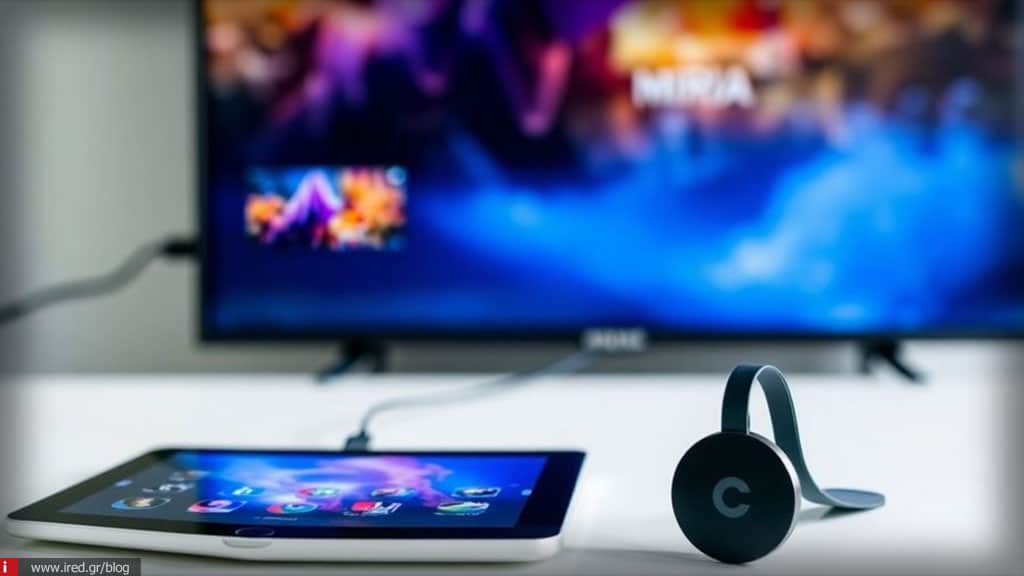
Chromecast and iPad: In this article, we will analyse how this connection works and which apps support it.
15 May 2026 · 5 min read


50 Ioulianou
211 212 0403

Lamias & Palaistinis, at Sklavenitis
211 016 8952

131 Marathonos Ave., at Sklavenitis
211 016 8953

131 Vouliagmenis Ave.
211 212 0401

54 Syntagmatarchou Davaki
211 212 0406

Aithrio, 40 Agiou Konstantinou
211 212 0402

152-156 Filolaou
210 754 6074

126 Grigoriou Lambraki
211 212 0404

46 Aimiliou Veaki
211 212 0407

6 Eleftheriou Venizelou
22941 12199

6 Pentelis Ave.
211 212 0409

56 Perikleous Ave.
211 212 0408

180-182 Olympionikon
211 212 0405

29 P. Patron Germanou
231 123 0026

115 Agiou Andreou
261 162 5236
Not many changes to the Apple Music app were announced with iOS 16, but some fairly useful small tweaks have been made, which we will look at below.
Read also: iOS 16 | Hidden features
Traditionally, all playlists in the Music app are sorted in the order songs were added to the playlist. Users can now sort songs by title, artist, album and more. In addition, when you open a singer's profile, you can add them to “Favourites”, so you can follow the artists you are most interested in, receiving notifications and personalised recommendations.

Read also: These are the new iOS 16 features we can't wait to try
Other new features:
Read also: Tips & Tricks to get the most out of your AirPods
Also, Apple Music users who have AirPods 3, AirPods Pro and AirPods Max will be able to use the new Personalized Spatial Audio feature. This feature uses the iPhone's TrueDepth sensor to map your ears while you use a compatible audio device. There is also a separate category of playlists and songs available in spatial audio.

Finally, Apple announced that subscribers will have exclusive access to a series of live artist performances through Apple Music Sessions. Apple Music Sessions has already debuted with performances by Carrie Underwood and Tenille Townes, which are already available to watch.
Read also: iOS 16 Public Beta is available | See step-by-step how to install it
Chromecast and iPad: In this article, we will analyse how this connection works and which apps support it.
iPad full: Here is a detailed guide on how you can manage your files, depending on your needs.
iOS 26,4,2: Its release is an example of the company's commitment to the security and stability of its devices.