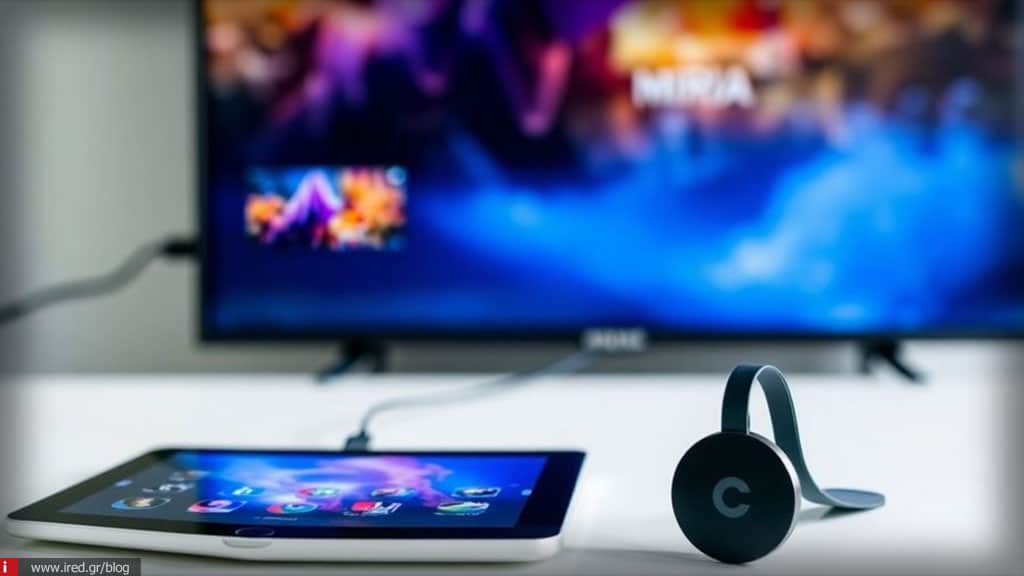
AppleChromecast and iPad: The ultimate guide to connecting and using them.
Chromecast and iPad: In this article, we will analyse how this connection works and which apps support it.
15 May 2026 · 5 min read


50 Ioulianou
211 212 0403

Lamias & Palaistinis, at Sklavenitis
211 016 8952

131 Marathonos Ave., at Sklavenitis
211 016 8953

131 Vouliagmenis Ave.
211 212 0401

54 Syntagmatarchou Davaki
211 212 0406

Aithrio, 40 Agiou Konstantinou
211 212 0402

152-156 Filolaou
210 754 6074

126 Grigoriou Lambraki
211 212 0404

46 Aimiliou Veaki
211 212 0407

6 Eleftheriou Venizelou
22941 12199

6 Pentelis Ave.
211 212 0409

56 Perikleous Ave.
211 212 0408

180-182 Olympionikon
211 212 0405

29 P. Patron Germanou
231 123 0026

115 Agiou Andreou
261 162 5236
iOS 16 will soon be available for all iPhone users with many new features, including the setting that lets you view and share the saved Wi-Fi passwords on your device easily and quickly.
These are the new iOS 16 features we can't wait to try
At WWDC 2022, Apple presented iOS 16 in detail and some of its new features. However, one of the long-awaited features that wasn't mentioned in the presentation is the ability to view saved Wi-Fi passwords. Sharing a Wi-Fi password was never an easy process on iPhones, but now it is done simply and quickly through the Wi-Fi settings.
In the iOS 16 developer beta, users can see the Wi-Fi password by following these steps:
Go to Settings > Wi-Fi > Choose Edit at the top right of the screen

After these easy steps, you will be able to see all the Wi-Fi networks you have connected to, and then tap the (i) button next to the name of the network whose password you want to see. A window then opens with the network's details, and by tapping the password field you can see it and copy it.
Read also: How to update AirPods to the latest software version
Chromecast and iPad: In this article, we will analyse how this connection works and which apps support it.
iPad full: Here is a detailed guide on how you can manage your files, depending on your needs.
iOS 26,4,2: Its release is an example of the company's commitment to the security and stability of its devices.