








































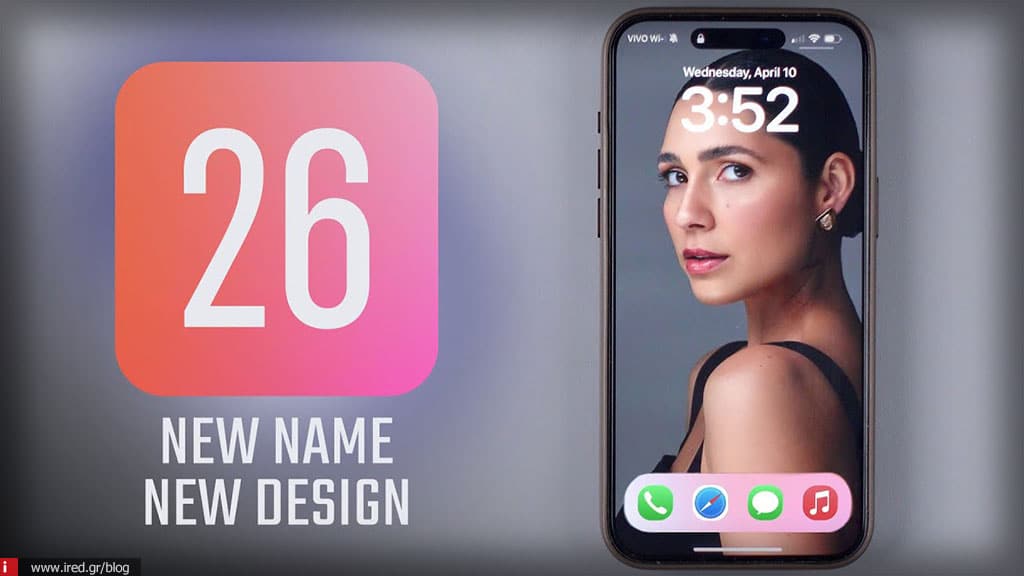

The battery update to iOS 26 brings major improvements, equipping iPhones with powerful power management and optimisation tools.

What's new in iOS 26 in battery settings
- Detailed display of charging status
- Displays the current battery level and last charge time at the top. If charging, it also shows the estimated time to full charge.
- Weekly usage picture
- Replace the old 24-hour and 10-day split with a general weekly comparison: it shows whether your consumption is above, below or average.
- Analysis by application
- Shows exact usage by app, with distinctions
- background operation
- active screen use
- number of notifications
This helps you identify which app is "eating" battery.
Read also: iOS 18 surpassed iOS 17 in popularity - How many iPhones have it installed?
- Background by day
- You can see detailed usage for each day of the week, separating active and inactive time, as well as the date and duration of each charge.
- Battery Health & Charge Limit
- Battery health indicator: charging cycles and maximum capacity.
- Charge limit option at 80 %, for long term protection.
- New ways to save energy
- New "Power mode":
- Low consumption mode
- New Adaptive Power mode:
iOS 26 is exclusive to iOS & iPadOS (not Mac).
Currently only available in developer beta, the public beta is expected in July, while the official release is planned for autumn, possibly September.
Read also: Apple AI for everyone: New features for developers






