








































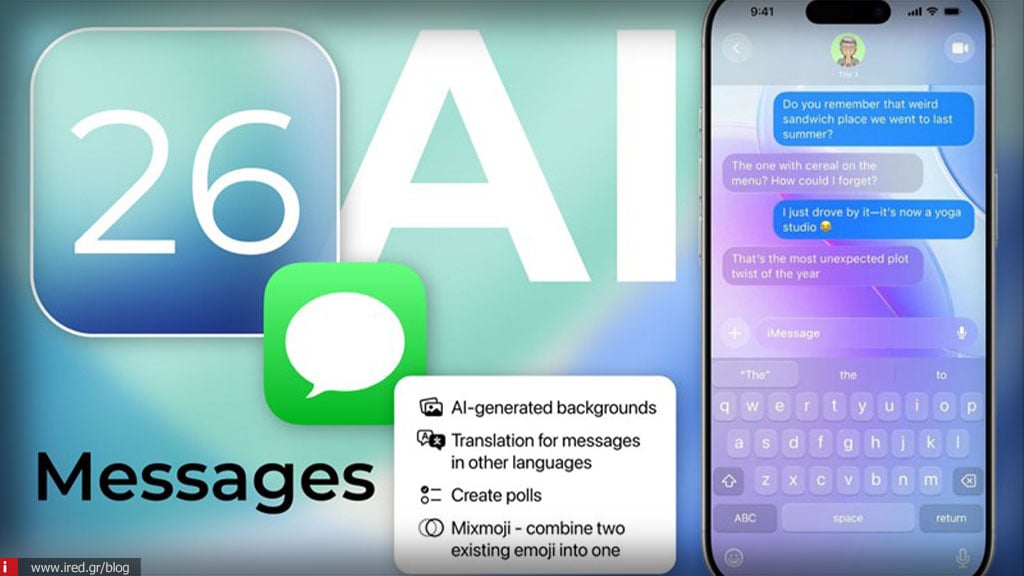

iOS 26 brings a very handy - but... "hidden" - feature to iMessage: a a special folder for Drafts.
What exactly does this function do?
- Adds an iMessage to iMessage special envelope "Drafts" which is displayed via a filter in the top right corner of the application.
- Once there is a draft, the filter appears and allows you to see only conversations with incomplete messages.
- The filter icon changes to blue (to remember that you only see drafts) and you can easily turn it off to return to the general chat list.
Why is it important?
- Finally a function that many have been waiting for: As TechRadar points out, iOS 26 now allows you to actually find drafts you forgot about - something other platforms like Signal have long had.
- More filters available: In the filter menu, other options such as "Send Later" (scheduled messages) or "Unread" (unread) may appear, depending on what you have, which makes your inbox more organized.
Read also: iOS 26.4 - The 2 features everyone will want
In addition to the function for Drafts, iOS 26 brings many new features to Messages, including:
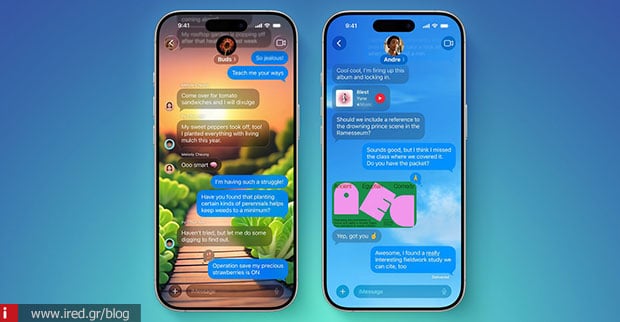
- Customized background chat (custom backgrounds) - even AI-generated via Image Playground
- Polls (polls) in group conversations.
- Typing indicators in group chat: you can see who is typing.
- Apple Cash in group chats for fast payments.
- "Unknown Senders" screen and spam filter: messages from unknown senders go to an unread folder without notification.
- Touches such as "Select" to copy part of a message (not all of it), and end-to-end encryption for RCS messages.
- Natural language search within conversations, e.g., "Juli with stickers on her face".
The function Drafts folder is perhaps the simplest but most welcome improvement to iMessage in years. No more lost unfinished messages! Along with other new features, iOS 26 makes the chat experience more organized, intelligent and rich.






