








































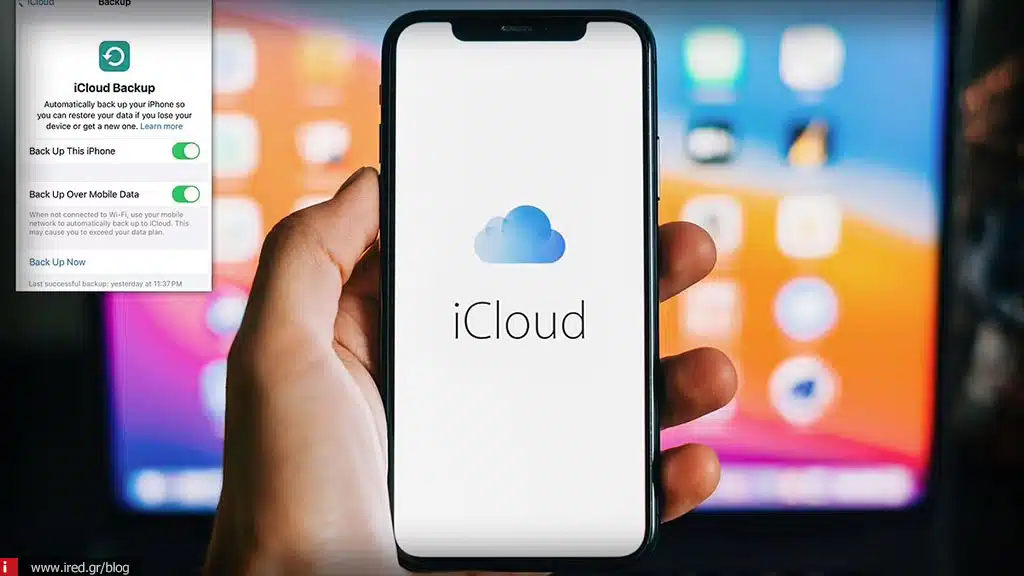

iCloud backup in 2026: what is NOT saved anymore if your iPhone breaks down
Apple's iCloud service is one of the most useful tools for any iPhone user. It allows us to back up, restore data and keep photos, contacts and apps safe. However, in 2026, things have changed. Many data are no longer stored in iCloud, and many users find that when the device is damaged or lost, some things are not saved as before. In this article we will look at exactly what applies and how to protect your information.
What iCloud stores today
The iCloud continues to hold:
- Contacts, calendar, reminders
- Photos and videos (iCloud Photos)
- Backup of applications and application data
- Notes, Safari bookmarks, Passwords (Keychain)
- Messages and iMessages, if enabled
But the new technologies of 2026, such as AI-driven apps, on-device processing, third-party cloud integrations, have brought changes to the data that are no longer synchronized.
AI-based application data
Many 2026 applications use on-device AI to process personal information without sending it to the cloud. This means that data such as usage history, AI personalization and preferences not saved in iCloud.
Example:
- An AI keyboard that "learns" your writing style
- Camera applications with AI filters that store temporary data
- Fitness apps that track activity without cloud backup
iRED Tip: Retrieved from export data or screenshots if you want to save them outside iCloud.
Large media and projects at third-party apps
Apps that store large projects or media (e.g. video editors, 3D modeling apps) often not Store all The content at iCloud due to space or licensing restrictions.
- Projects exceeding 5-10GB are not sent to the cloud
- Some assets are only stored locally
- Reset to new device may be impossible without manual export
iRED Tip: Use external backups or third party cloud for large files.
Passwords and Keychain
Although passwords are stored in the Keychain, the data for third-party apps with local authentication may not be reset if the device is lost and not synchronized.
- Some apps keep passwords only locally for security
- Reset to new iPhone may not bring them back
iRED Tip: Use third-party password managers that support cloud backup independent of the iPhone.
Read also: iPhone 2026 - Why do they "lose" battery so quickly?
Health & Fitness data
Health and fitness data (Apple Health, watchOS) is now encrypted end-to-end. If you haven't enabled syncing with iCloud or you have disabled back-up of the specific data, may be lost in case of device failure.
- Activity rings, sleep data, heart rate history may be lost
- Workouts from third-party apps that store data locally are not restored
iRED Tip: Check Settings → Health → iCloud Backup and make sure all data is synced.
Messages and attachments
The iCloud Messages backup is useful, but in 2026:
- Messages with large attachments (video, PDF, 3D files) can be not fully stored
- Third-party apps that use end-to-end encryption do not do full iCloud backup
iRED Tip: Visit export of important attachments manually or use secure third-party cloud storage.
Settings and personalization
With the new iPhone 2026, many settings AI personalization (e.g. predictive text, camera AI presets, display adjustments) not stored in iCloud to protect privacy.
- When you restore to a new device, the experience may be different
- You need to reset the preferences manually
iRED Tip: Hold screenshots or notes of the basic settings for easy reset.
Conclusion
iCloud backup in 2026 continues to be powerful toolbut no longer covers everything. The data that are no longer automatically saved include:
- AI personalization and local app data
- Large projects in third-party apps
- Local passwords & Keychain data for third party apps
- Health & fitness data without activated synchronization
- Messages with large attachments or third-party apps
- AI-based settings and personalization
To keep you safe:
- Hold manual backup of important files
- Use external cloud storage ή password managers
- Check iCloud and Health settings for full sync
iRED helps you to fill in the gaps in iCloud, providing tips, tools and backup services to ensure that your valuable data is never lost.
Read also: Xiaomi 2026: Which models are "strained" with MIUI AI features






