








































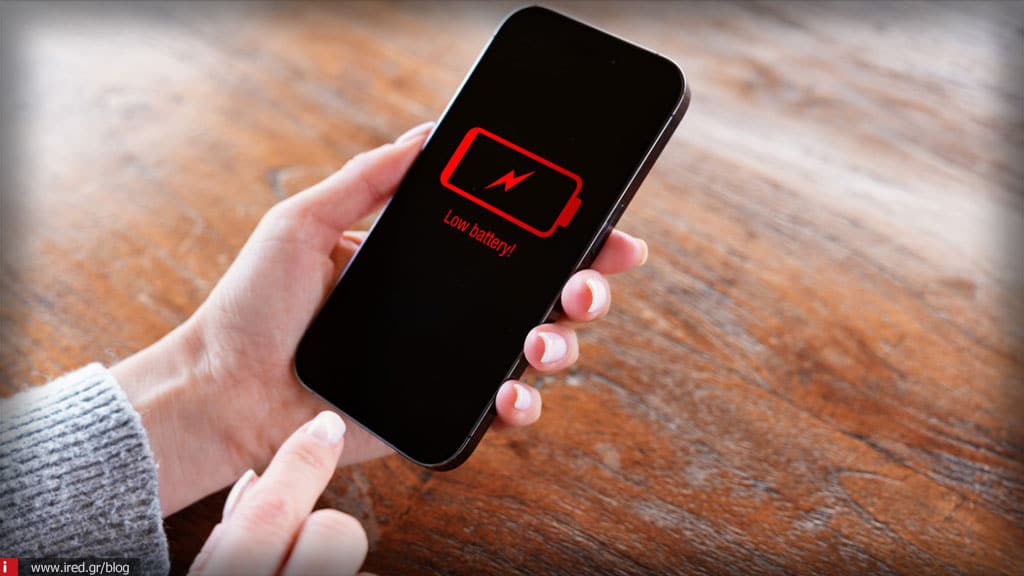

Why 2026 iPhones "lose" battery faster even though they're new
In 2026, many iPhone users notice a strange phenomenon: even new models, as soon as they come out of the box, quickly lose battery. This raises questions and often concerns about the lifetime of the device. In this article we will explain why this happens, what role new technologies play and how you can maximize the autonomy of your iPhone.

On-device AI: the new energy "consumer"
iPhone 2026 features AI chips embedded in the device for functions such as:
- Personalised Siri and voice assistant
- Real-time photo and video editing
- Predictive battery & app management
These functions work constantly in the background, even when the device appears to be inactive. This means that the battery is consumed more quickly, especially in new models that have AI optimizations enabled from the factory.
Tip iRED: If you want maximum battery life, check which AI features you can turn off or limit.
Adaptive refresh & always-on displays
In 2026, all new iPhones have LTPO high refresh rate displays (up to 120-144Hz) and always-on displays. Although the user experience is impressive, this:
- Increases energy consumption
- Even when the device appears "on standby", the screen continues to run background tasks
- Particularly affects battery life in new models that have not yet been "trained" by the user
iRED Tip: Set adaptive refresh or reduce the always-on mode if you don't need it.
News apps and background AI tasks
2026 applications use AI for predictive features, such as:
- Predict which app you'll open next
- Preload content in the background
- Perform analytics for personalized notifications
This results in continuous battery consumption, even on a new device that appears "inactive".
iRED Tip: Check in Settings → Battery → Battery → Background Activity which apps consume more power and limit them.
Read also: Protect your phone from AI tracking & protocols
Chargers and fast charging
iPhone 2026 supports super fast charging (up to 50-65W). Although charging is fast, it has a "side cost":
- Thermal stress increases battery consumption
- Users using third-party chargers or cheap USB-C types may see additional drain
- The battery may display "fake full" and drop quickly in everyday use
iRED Tip: Use only Apple Certified Chargers and avoid fast charging if not needed.
Battery health & calibration
iPhones come with a factory-set battery, but full performance takes time for calibration:
- iOS "learns" the user's charging habits
- In the first few weeks the battery may show a rapid decline
- On-device AI influences this process, because it monitors usage in real time
iRED Tip: Let the device charge normally for a few days and avoid extreme cycles (0-100%) continuously.
iOS 26 and software features
The new iOS 26 brings:
- Background AI analytics
- Predictive battery management
- Notifications with AI filtering
Although they improve the user experience, initially consume more energy until they adapt to your habits.
Tip iRED: Activate low power mode during periods of heavy use or travel to save battery power.
Practical tips for maximum battery life
- Turn off what you don't need: Always-on display, background app refresh, AI features you don't use
- Use certified chargers
- Watch the use: Settings → Battery for details
- Low Power Mode when needed
- Allow the battery to calibrate the first days of use
With these steps, even 2026 iPhones can reach the lifespan expected by the user.
Conclusion
The phenomenon that users will notice in 2026 - iPhones losing battery faster even when new - is not a faultbut result:
- On-device AI and background processing
- High refresh LTPO displays and always-on functions
- Predictive app analytics and notifications
- Fast charging and thermal stress
- Battery calibration based on usage
With a little care, proper setup and the use of authorized accessories, battery life can remain satisfactory. iRED can guide you, provide advice and service to keep your device always in perfect condition.
Read also: Which iPhone should I get? The best models by budget & usage






