








































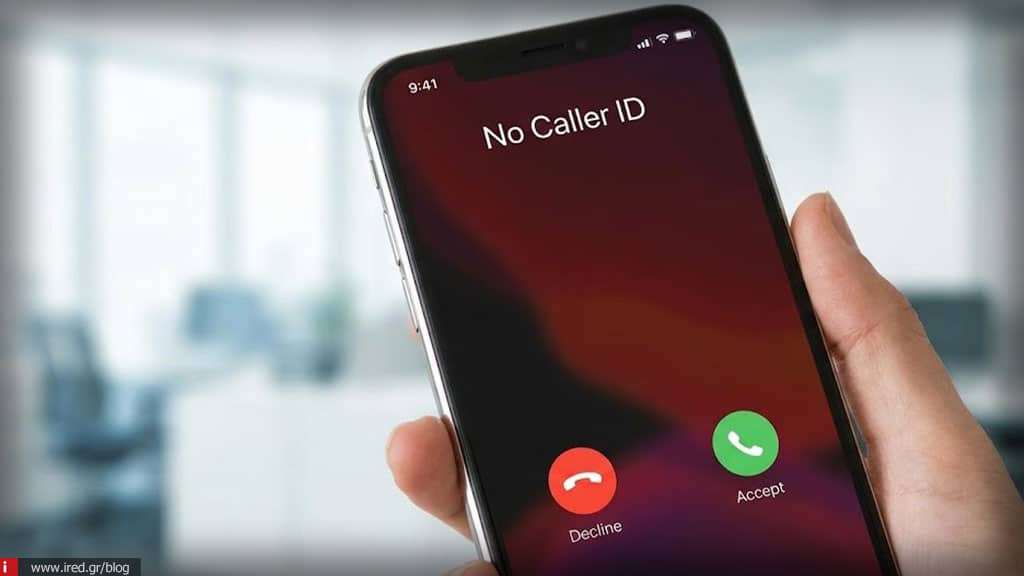

Hide iPhone call blocking - How to stop annoying calls for good
If you're wondering "I keep getting blocked calls - what do I do?", you're not alone. Being annoyed by anonymous callers is a common occurrence, but there are real solutions to deal with it. To choose the right method depending on your situation, it's important to distinguish what mutewhat the blocking and what the network barrier. The solutions are both at the device level (iOS) and at the provider level, as calls with number masking cannot always be completely blocked by the iPhone alone.

What "call with concealment" means and why it is not always blocked
Technically, number hiding is performed at the level of telecommunications network and not on the device itself. This means that the iPhone often does not "see" a specific number (caller ID) to be able to recognize it and block it in the traditional way. For this reason, the simple contact blocking function is often not enough and alternatives such as muting or provider intervention are required.
Mute Unknown Callers on iPhone (the instant solution)
If you are looking for the fastest and safest workaround that you can implement yourself, the Mute Unknowns is the solution.
- Route: Go to Settings > Phone > Mute unknowns.
- How it works: With this setting, iPhone does not ring when you receive a call with masking, but the call is normally recorded in your history.
- Result: These calls go directly to voicemail.
It is important to understand that this method does not "cut them out" completely, they just don't bother you at the time they are happening. It is not a complete block, but an effective muting.
Permanent call barring with call masking via provider (the definitive solution)
The only truly permanent solution to stop receiving such calls is to network barrier. This process is done exclusively through your mobile phone provider.
- You can activate it through your provider's application (e.g. My COSMOTE).
- Alternatively, you can call customer service of your provider.
After activation, the covert caller hears a recorded message and your mobile phone does not ring at all, nor is the call recorded.
iPhone vs Provider - which solution is better for you?
The choice depends on your needs:
- iPhone: It offers an immediate and free solution through the settings, but it is not absolute as the call still reaches the device (just silently).
- Provider: It offers a definitive solution, but requires communication or the use of an app.
Ο ideal combination for maximum peace of mind is to activate the mute function on the iPhone in parallel with the blocking by the provider.
Read also: Android to iPhone transfer: how to transfer everything correctly
Temporary and permanent hiding of outgoing calls (don't get confused)
There is often confusion between incoming and outgoing calls. Hiding your own number is a different function:
- Temporary concealment: Enter the code #31# before the number you want to call.
- Permanent concealment: Go to Settings > Phone > Show caller ID and turn off the switch. Note that these settings not related by blocking the calls you receive.
Why does the hide blocker not work on my iPhone?
If you're feeling frustrated because the calls keep coming, check the following:
- Mute vs Blocking: Muting on iOS is not the same as full blocking.
- Provider Status: The provider may not yet have activated blocking on its network.
- Control: Where supported, you can check via codes such as *#33# or *#35#.
Stop hidden calls in 5 steps
Follow these steps for immediate implementation:
- ✔ Turn on the Mute Unknowns.
- ✔ Check the settings in the section Τηλέφωνο of iPhone.
- ✔ Contact provider mobile.
- ✔ Ask officially network barrier.
- ✔ Confirm that the mobile does not ring longer than anonymous numbers.
What to do if the nuisance calls keep coming
In some cases, a deeper check of your iOS settings or communication with your provider may be required. If calls with masking continue, the technicians of ired can check your iPhone settings and guide you right - without unnecessary charges.
FAQs - Block calls by hiding iPhone
How do I block unknown numbers on iPhone?
-You can use the "Mute unknown callers" feature from the phone settings.
Is muting strangers the same as blocking?
-No, muting simply prevents the phone from ringing, while blocking (via your provider) prevents the call from reaching you at all.
Do I need to talk to the provider for a final solution?
-Yes, blocking at network level is the only way to permanently stop cryptic calls.
Why do I keep seeing calls with hidden history?
-This happens if you only have mute enabled on your iPhone, as the device records the call even though it doesn't ring.
Read also: Which iPhone should I get? The best models by budget & usage






