








































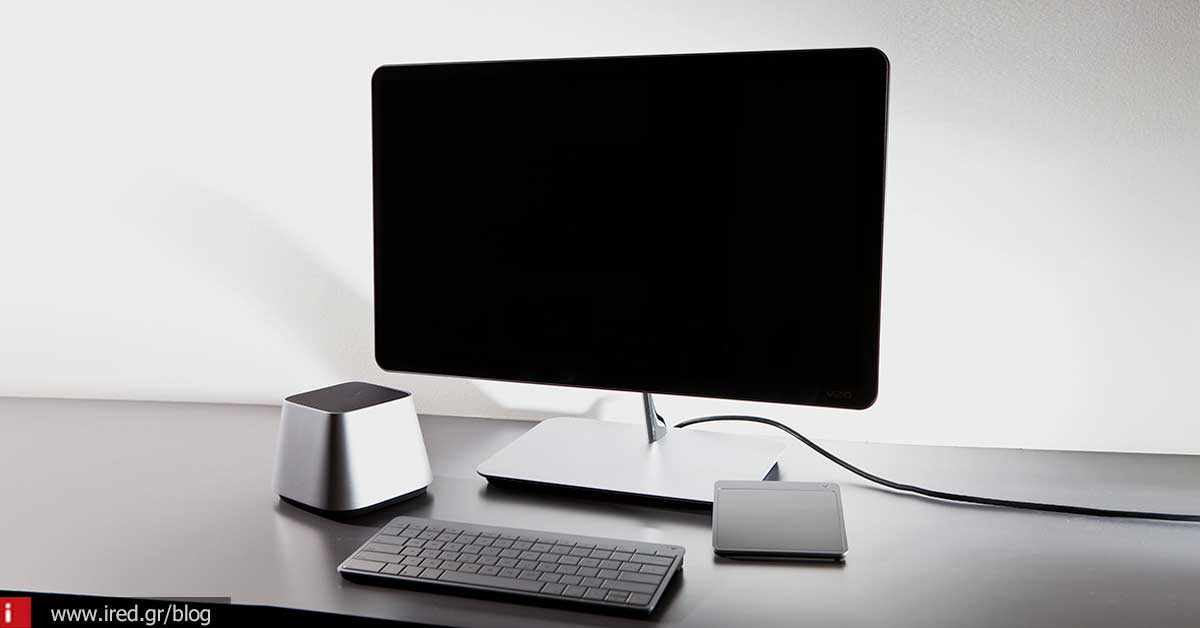

When buying a new computer, it is good to keep the following in mind, so as not to get a "pig in a poke".
Have you ever had or heard of the case where someone wants to get a new computer and ends up buying something they don't need, paying more than they thought they would and in the end not doing the job? Or has gained capabilities that he or she doesn't need and pays money unnecessarily? I think we all have such a picture in mind. So to make sure that neither you nor someone you know doesn't get this, here is a simple list of 14 points which is good to keep in mind when we go shopping.
See also: 7 mistakes we make on social media
1. We buy based on our needs

The first and foremost is not to buy based on advertisements. It is good to have an understanding of what we need the machine we need to do and buy based on that. We don't need a fast processor if all we do is texting. Nor do we need plenty of memory RAM if we don't use programs that take advantage of it. The right thing to do is to pay for what will meet our present needs and those of the near future and nothing else.
2. We don't buy based on a single item

What does this mean? That it's not enough to know what processor the machine you're getting has, but to know nothing about the rest of its components. Many times we will be shown a single component of the machine that catches our attention, but many other equally important ones are not even mentioned. How much memory? What graphics card? What disk? If you don't know about them ask a friend who does so you don't get carried away by impressions and buy something that will need an upgrade to work properly.
3. What else do I get?

And here we're talking about what software is included with our purchase. And first of all: what operating system does it have? And along with that, what other programs are included? And the programs that you already use or want to use will "run" on this operating system and on this Computer; This also has to do with knowing exactly what our needs are that we mentioned above.
See also: When should I buy a new device;
4. We do not make assumptions (a)

Just the fact that the computer you're interested in has Wi-Fi or Bluetooth doesn't mean it will cover you. For example, Wi-Fi has different versions (b, g, n, ac). Which one is the computer you are interested in compatible with? Does it meet your requirements? The same applies to Bluetooth, the hard drive, the graphics card, sound card and a whole bunch of other subsystems. Make sure that the ones you include do the job you want.
5. We do not speculate (b)

Because the modern computers have many different configurations, it is not safe to assume that they will include some subsystems simply because they are computers. For example, not everyone has a module DVD, nor do they all have Bluetooth, nor do they all accept additional cards for upgrades (such as graphics, sound, etc.) If this is important to you, make sure the capabilities are there and don't just make assumptions.
See also: Raspberry Pi announces a computer at 5 dollars!
6. Attention to missing details

That is, data not mentioned in the description from the store. Screen resolution, hard disk read/write speed, maximum memory it can accept, these are just a few of the data that are often not mentioned. And what is not mentioned, usually doesn't pay off. If you're not sure, ask a friend who knows about them, so you don't get any surprises.
7. Is it upgraded or not?

Another important issue that is not open to speculation. The possibility of upgrading the subsystems of a computer guarantees its longevity. If you get a machine with the intention of keeping it for years, it is not necessary to get it with the strongest features now. You just need to know if those features can be upgraded that guarantee that longevity. Processor, memory, hard disk, graphics card, etc. The more subsystems that are upgradeable, the more your computer will last.
8. Try before you buy

Most large stores have computers "set up" that operate on various display counters. If possible, try out the computer you are interested in on the spot to see if it really suits you. For example, is its screen, which is one of the most important elements, relaxing and is the picture satisfactory to you? Does the keyboard - especially if it is a laptop - suit you? If something doesn't quite cover you, especially in terms of ergonomics, then don't be tempted because other elements do. You're bound to regret it later.
See also: Which Mac model to buy and why
9. Don't always go for the cheapest

You may not make much use of a computer beyond the basics, such as surfing the Internet, so think that the cheapest one you can find will cover you. But there is a difference between cheap and cheap. Even "simple" web browsing Internet sometimes has its demands. For example, if you want to watch streaming movies or YouTube videos, then your computer needs to have some capabilities, otherwise it will crawl and you won't know why. So beware of the absolutely cheap one - it's not the best solution.
10. We check the offered software

Check the included software with your computer. Is it a regular or trial version that you have to pay for after the trial? And this applies to anything from packages antivirusto office suites. In case they are trial, this involves extra money to keep using them if you want them. And that has to be factored into the purchase cost.
11. Buying at the wrong time

Be properly informed, or ask those in the know, as to when new models are released. This can have two benefits for you if you take advantage of it properly. Either buy the newer model which will usually be better, if you need it, or buy the older model - if it covers you - at a better price. So, if you find out that a newer model is about to come out for the computer you are interested in and you can wait a while, then you may come out ahead.
See also: Buying guide: what are the most reliable laptops?
12. We do market research

We never buy the computer we've ended up with, from the first store we found it in. After we settle on the computer we want, we do some market research to see if we can find it cheaper. A little market research for a particular model of computer will amaze you when you see the price discrepancies that exist.
13. Asking for additional offers

Don't be shy to ask for additional offers with your purchase. For example, does it get a better cash price? Are there interest-free instalments? Are extra accessories given to increase the purchase value? Sometimes you may find that the same model at a slightly more expensive price with extra accessories is a more advantageous purchase than buying it a little cheaper but without them.
14. What about the guarantee?

And because we are not buying ...a cheesecake, but a computer, asking about the warranty and what it includes is extremely important. On a desktop computer, for example, the warranty of the whole machine may differ from the individual warranties of its subsystems. On a laptop, the warranty may not cover the battery and so on. It is good to be aware so as not to be surprised later.
See also: Which MacBook is for you?
from Elichord






