








































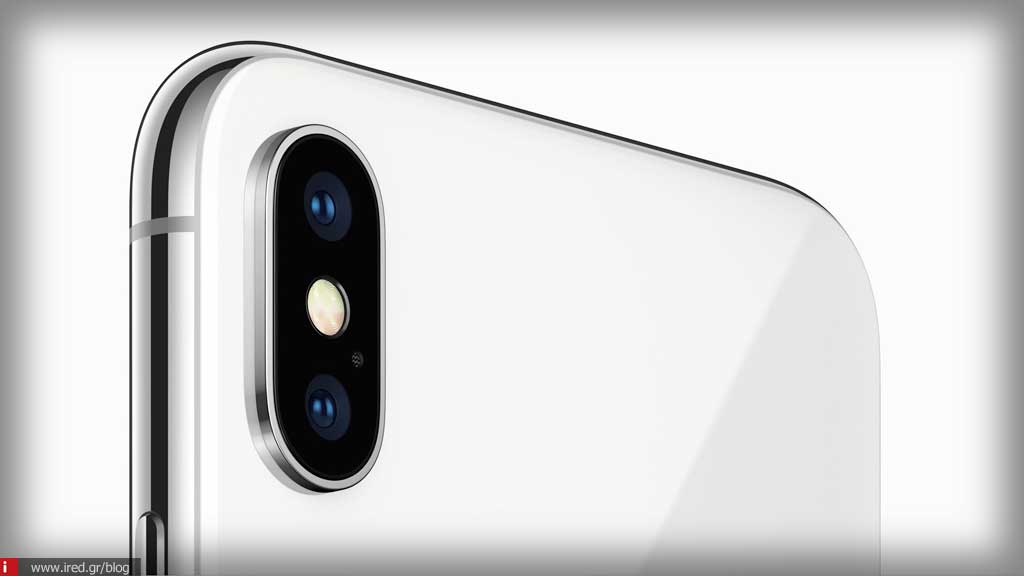

Looking to take advantage of high quality 4K video recording with your iPhone? Follow the procedure below to change your settings from the default 1080p resolution to 4K.
4K is four times the resolution of 1080p and offers fantastic video quality directly from your iPhone. Keep in mind that depending on the iPhone model, there are different levels of 4K support.

The iPhone 6s and 6s Plus were the first to offer 4K at 30 fps. The iPhone 7 and 7 Plus offered the same, while the iPhone 8/8 Plus and iPhone X brought 4K at 24 fps, 30 fps and 60 fps. The iPhone Xs, Xs Max and Xr offer the same 4K support as the iPhone 8 and X.
How can we shoot 4K resolution videos from our iPhone?
First we open the "Settings" of our device and scroll down until we find the "Camera".

Here you will find the "Videos" section. After selecting it, we will see all the options we have regarding the quality in which we want our device's camera to shoot videos. We select some of them regarding 4K.

As you can see from the photo above, there is an explanation of the size that will occupy each minute of the video we shoot, depending on the quality we have chosen.
Yes, the 4K quality at 60 fps may be the highest, but we notice that every minute of shooting is equivalent to 400 MB.
Read also: Safari Tip: Open all Safari links in a new tab with a simple tap
This was the process by which we can set the video quality that our iPhone camera will shoot. If there is the slightest question about the above, we are at your disposal down in the comments.






