










































Change codes because AI threatens our passwords
With the rapid development of artificial intelligence, the potential for code stealing or cracking has increased dramatically by forcing code switching. AI-based tools can now "guess" passwords based on patterns, behaviors and data leaked online.

How AI can steal us the codes
- Analyzes huge databases of old code leaks
- Accurately "guesses" codes based on name, birth dates, favorite teams, etc.
- Uses sophisticated password cracking scripts that test millions of combinations per minute
- Monitors typing or even voice (via AI phishing bots)
It is now necessary to change our passwords frequently and choose strong, different passwords for each application.
In which applications you must change your passwords
The use of artificial intelligence to hack into accounts is now a reality. That's why it's critical to change your passwords frequently - especially in the most commonly used communication and privacy apps.
Below we give you the most common applications that you should pay special attention to:
- change password in Gmail and other Google services
- change password in AppleID and iCloud
- change Meta password (Facebook / Instagram / Messenger)
- change Viber / WhatsApp / Telegram password
How often should the code change be carried out?
- Every 3-6 months for basic apps like Gmail, Apple ID
- Immediately, if you suspect any violation
- Every 12 months for less critical applications
Read also: Mobile phone repair: Genuine or OEM parts? Is it worth it?
How we change the password in the main apps
- Gmail

- Open your browser and go to the page https://myaccount.google.com
- Login with your Google account.
- Go left to the menu and click "Security".
- In the "Sign in to Google" section, tap "Password".
- Enter your current password to confirm.
- Type your new password twice and click "Change Password".
- AppleID / iCloud
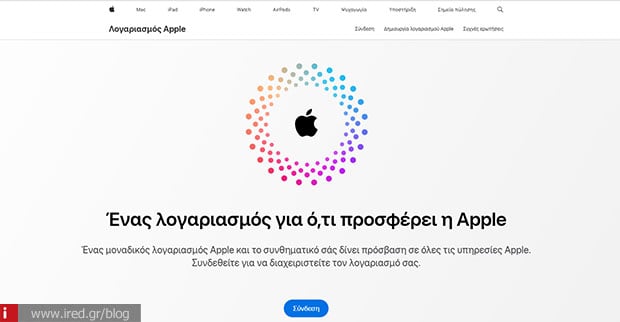
- Go to https://appleid.apple.com
- Sign in with your Apple ID.
- Select "Connection and Security".
- Tap "Password" and then "Change Password".
- Enter your current password, then the new one twice and tap Save.

- Go to Facebook ➜ "Settings & Privacy"
- Select "Settings" > "Security & Connection"
- In the "Change password" section ➜ Edit
- Enter old and new code ➜ Save Changes

- Open the app or go to the https://instagram.com
- Settings ➜ Security ➜ Password
- Enter old and new password ➜ Save
- Viber / WhatsApp

They don't have traditional codes, but you can protect yourself:
- WhatsApp: Settings ➜ Account ➜ Two-step verification
- Viber: Settings ➜ Privacy ➜ PIN lock
5 basic tips for protection
- Don't use the same password in multiple applications
- Use difficult, unique codes
- Enable two-step verification
- Use password managers such as Bitwarden, 1Password
- You are frequently informed about new security threats
Don't wait for it to happen to you. Prioritize the security of your passwords, especially now that AI is boosting the power of attackers.
If you want us to help you with the security check of your devices, contact us: https://www.ired.gr
Read also: iPhone 17 Pro: Is it worth it or not? The five "yeses" and five "no's"






