









































How can I boost the signal of my wireless network by changing or adding antennas?
We have previously written on the topic of boosting the Wi-Fi signal of a wireless network in a previous article and we showed how to avoid various mistakes made when installing our router, how to control various settings to avoid "crowding" on digital frequencies and much more. For more on this topic see our article: "Wi-Fi signal boost".
Today we're going to talk about a more specialized issue that involves boosting the Wi-Fi signal again, and that's the Wi-Fi antenna.

Whether we see it (external) or not (internal) all routers have an antenna (or antennas the better ones) in order to send and receive signals regarding their wireless (Wi-Fi) network. Usually, those that have an external antenna (or antennas) also have a better-stronger signal, saving us a lot of problems in amplifying the signal, but those that have internal antennas, most likely, have a weaker signal.
Adding a Wi-Fi antenna, even to a router with an external antenna can prove to be an excellent solution, due to the fact that it is very low cost and usually yields a very high signal amplification. The question is what and which Wi-Fi antenna to choose. This is because there are many types of antennas for different uses and, depending on the situation, we need to get the right one.
Antennas to boost home Wi-Fi
Usually, the routers supplied with a telephone-internet package are of very modest quality and with internal Wi-Fi antennas. This, in short, translates into a weak Wi-Fi signal. There are two solutions here (and a third for advanced routers that we'll mention last).

See also: Router security: how to protect your router and your connection
Solution one: Change router.
Replacing the router that your provider gave you with a better one, with a stronger Wi-Fi signal and the ability to change antennas (if it has external screws), is a very good, but relatively expensive solution. In addition, you should contact the provider for the necessary settings on your new router and "scrape" a few things from router settings (but I think that if you don't know about them, you wouldn't be reading this article).

From there, if you're not completely satisfied with the Wi-Fi signal strength of your new router, you can replace the Wi-Fi antenna (or antennas if it has more than one) with another with an even longer range.
Solution two: Purchase a Wi-Fi range extender
If for whatever reason you don't want to or can't change your provider's router, another solution is to add a Wi-Fi range extender. This is a device that plugs into your router and does what its name implies: it boosts and extends the signal of your router's wireless network.

Here you will spend less money than buying a router, but you will have an extra device at your feet. Plus you will need to know how to set it up yourself or have a friend who knows how to do this because the provider can't help you here.
The advantage again is the extender's Wi-Fi antenna (or antennas) are external and powerful and can also be replaced with other larger ones if needed.
See also: Improve your Wi-Fi signal
Solution three: adding an external antenna to the provider's router
Here we are entering the territory of the advanced in "such tricks". First of all, you need to know about electronic repairs and have the right tools. That's why this solution is aimed at technicians (professional or amateur it doesn't matter). Secondly, you must be willing to "tinker" with the provider's router and add an external antenna when it does not have such a capability. You may even have to replace the internal one with an external one if there is no possibility to add another one. One more thing: this solution has the lowest cost of all!
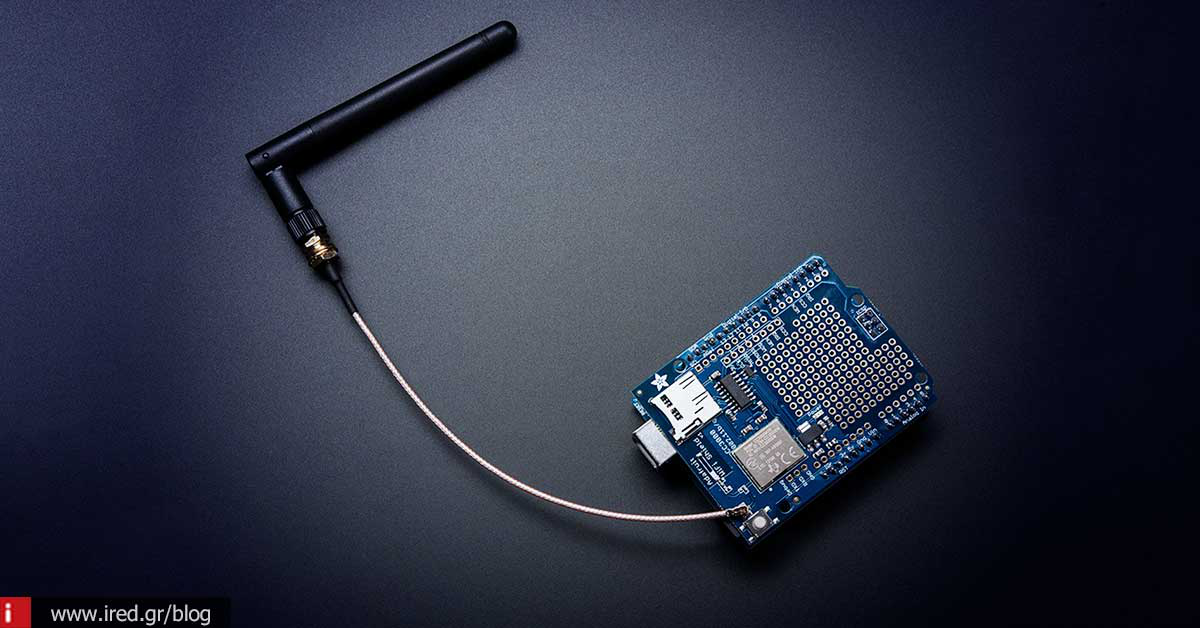
The components you will need are the Wi-Fi antenna you are interested in adding and a U.FL Mini PCI to RP-SMA Pigtail Antenna WiFi Cable (yes all of it). If you can't find them in the electronics market in Greece, they are available at AMAZON (for example) and the price is funny.

You'll need to open the router to access its motherboard and find the connection point of the Wi-Fi antenna it already has. If there is no place for a second antenna, you will need to disconnect the cable of its internal antenna and connect the special cable mentioned above in its place. You will also need to make a hole in the plastic chassis of the router where you will fix-screw the other end of the cable where the external antenna will screw in.

After closing the lid of your router again, you're ready to screw in your external Wi-Fi antenna and have an enhanced signal now.


See this video for more:
Outdoor antennas - professional solutions

If you have a commercial space that you want to boost your Wi-Fi signal to share over longer distances, then the issue of an indoor Wi-Fi antenna and boosting its signal isn't the only thing on your mind. For example, if you have your router in one place and you want to send its signal to someone else outside of your location (e.g. a small hotel with bungalows, a shop with extra outdoor space, etc.), then what you need is an outdoor Wi-Fi antenna.
These antennas connect to your router and send the signal up to 2km away at 150Mbps speed (802.11n) and with a constant response to the signal strength. Some of them have a built-in network card so they connect with a USB cable directly to your computer.

These antennas have built-in signal boosters and send the Wi-Fi signal over long distances and with constant power. There are generally two types (regardless of the designs and shapes you see). Omni-directional and directional.
Omni-directional have the advantage that they send the signal in all directions evenly, but they do not have a very long range.
Directionals have the advantage of sending the signal over long distances because they aim in one direction and amplify the signal in that direction, but they have the disadvantage of having very low to no signal in the other directions they don't aim (we call it the "Wi-Fi shadow effect").

Other such antennas are the Yagi type and the parabolic dishes known from satellite TV, which are extreme and specialized solutions of powerful directional antennas.


See also: Protect your private Wi-Fi
Some last from a theoretical point of view
Various "remedies" for boosting the signal on the Wi-Fi antenna that we may have (we are talking about indoor here), sometimes they may work and sometimes they may not. And we'll explain why.
A classic indoor antenna is always multidirectional. The reason is to send its signal evenly in all directions. The signal is transmitted evenly around the stem of the antenna and not from the top. So, its tilt must be such that the signal "travels" in the right direction (that's why we usually have them upright and not sideways).
In some cases you will see solutions with wires wrapped around an antenna, strainers placed so as to turn it into a parabolic dish-TV antenna combination or beer cans-soda cans placed around it.


For such solutions to work properly, they must be calculated and not just whatever we come up with. For example, a wire wrapped around an antenna must be 1/2 or 1/4 the wavelength of the Wi-Fi signal, according to wave theory. Otherwise, instead of amplifying the Wi-Fi antenna, it will dampen it, creating worse problems than we'd like it to solve.
The same applies to other improvised solutions. In some antennas they "work" and in some they don't and it all depends on the antenna we want to amplify. Therefore, if you want a sure boost of your Wi-Fi network signal, it is better to turn to one of the solutions mentioned above for more certainty and of course results.
from Elichord






