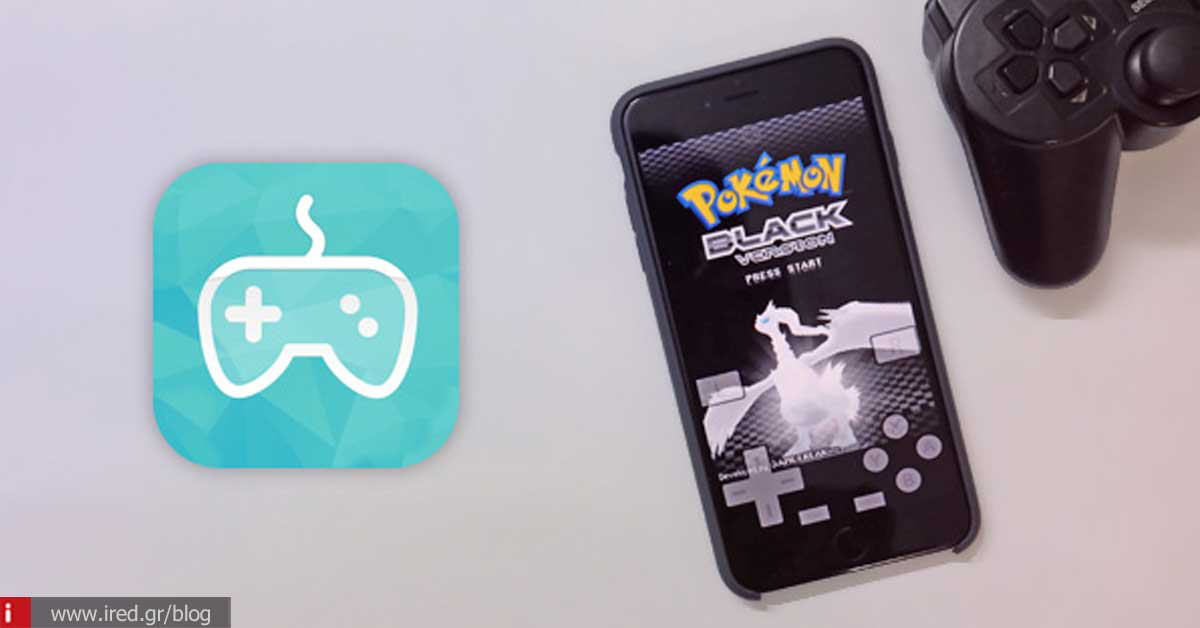
An application that allows us to play games for Nintendo 64, Playstation 1 & GameBoy Advanced on the iPhone.
Emulating the environment for portable console games like GameBoy has always been one of the main reasons why many people resorted to the jailbreak the iPhone. But the launch of the NewGamepad app could make a difference and bring a new era in console emulation for the iPhone.
Unlike other emulators, NewGamepad is free, does not require a jailbreak and is one of the first emulators to support the Nintendo 64 and the Playstation 1!
So if you want to try it yourself, all you have to do is to visit the website of the website with your iPhone browser. emulator, click on the gamepad icon further down the page, click Install in the pop-up window that appears and install it.
Once installed, you will go to the Settings > General > Profile> and there find the profile of the application and click on the Trust (Trusted), to allow it to run on your iPhone, because it is not from the App Store. In some cases the app will not be able to install on your device at all. If you get the message: "This app cannot be installed - New test" or something similar, then you need to find another way to download it because Apple has "revoked" it.
For more information on installing, setting up the app and how to find games, watch the video below. Anyway, the case of emulators is not simple and requires you to have some knowledge on the subject in general.
Watch the video:
So, if all goes well and you install NewGamepad, you will find a very large and impressive library of games. In it there are games for consoles Playstation, Nintendo 64, Nintendo DS, NES, Game Boy Advance, Game Boy Color, PSP, MAME (the old coin-ops we used to play in ... oufadika) and many others that are well represented reaching and exceeding the number of 7.000 games.
It's also useful to point out that the app is in Chinese to begin with, but don't be alarmed, because you can search for the game you want by typing its name in English within the app. Once you find it, make sure that the image of the game's packaging (its box) that appears next to it has English titles. As long as this is the case, the game is in English and you can play it without any language problem. That way you know you're downloading the right game in the language you can recognize to avoid downloading the Chinese version.
Once you have a iPhone 5 and above (or even better 5S) you'll be able to play almost anything in the emulator from any console. It goes without saying that the app runs equally well on iPad, iPod Touch.