








































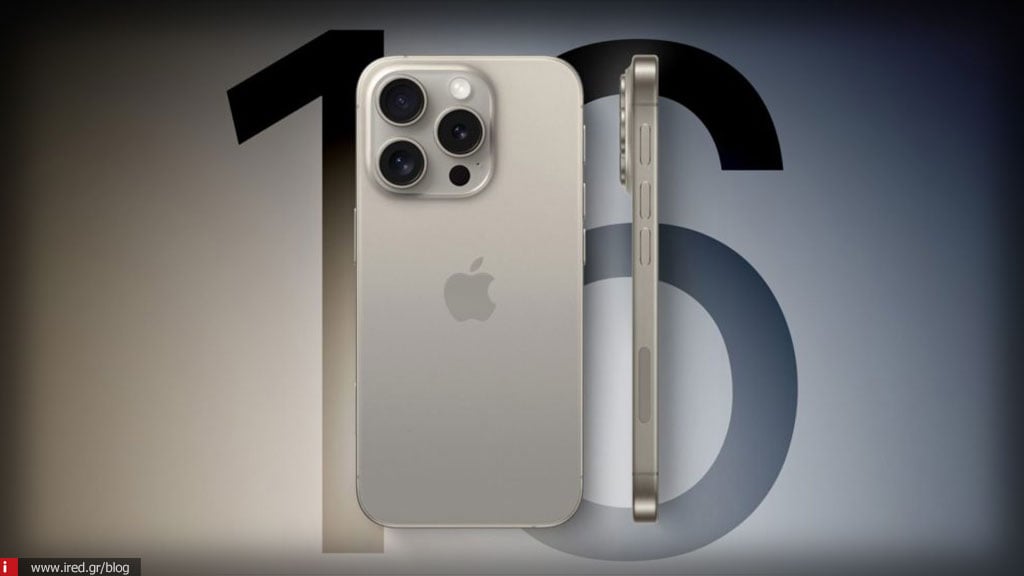

There are several reports from iPhone 16 users of excessive battery drain after installing iOS 18.

This problem seems to be common, especially after major software updates. Some users report that their battery drops dramatically even without heavy use.
Possible causes:
- Re-indexing process (indexing): After a major upgrade, the system reindexes and synchronizes data in the background, which can consume a lot of battery for the first few days.
- Active procedures in the background: Apps or features such as Spotlight, Live Activities and app updates may be more active after the update.
Read also: iPhone 17 Pro and Pro Max: Rumours that they will have an easier battery removal process
What you can do:
- Wait a few days: Often, the problem stabilizes after 3-5 days.
- Application control: You can see which apps consume the most power from Settings > Battery.
- Low consumption activation: Activating the low-power mode may temporarily help.
- Reboot and upgrade: Make sure you have the latest version of iOS, as possible updates fix such problems.
If the problem persists, you may need to contact Apple support for further assistance.
Read also: iOS 18: The Photos app is frustrating - see how you can improve the situation






