








































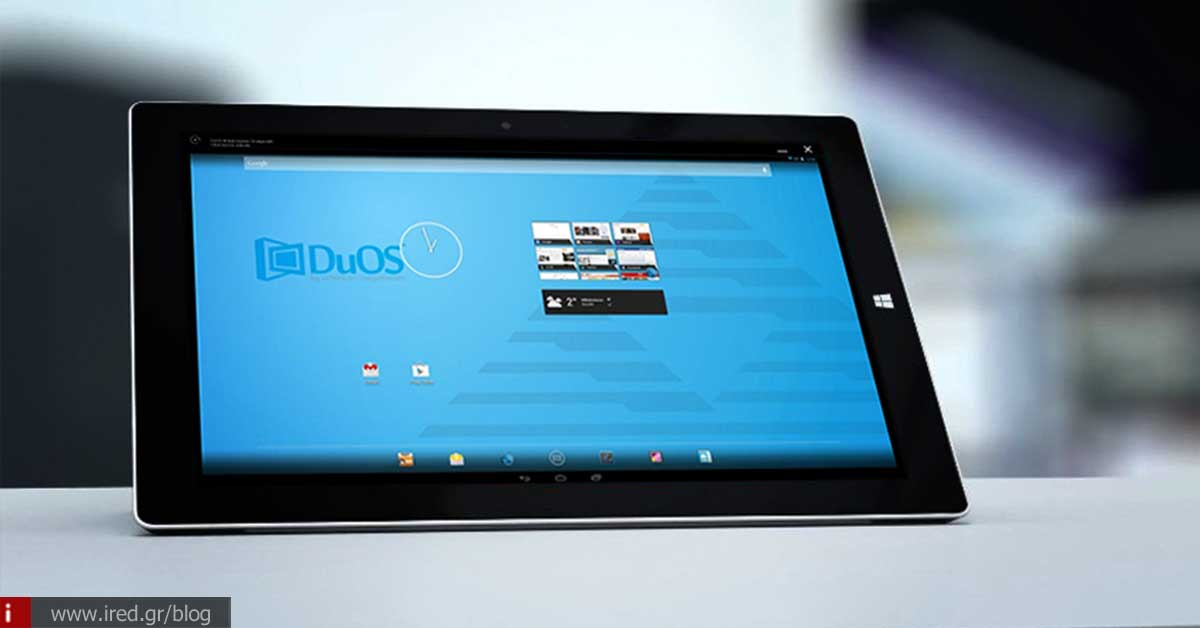

Launched AMIDUOS 2.0, an Android (LOLLIPOP) emulator for Windows 10!
The "issue" Emulators is big and old. For decades computer users have been running emulators (simulators) on their machines in order to be able to create the environment of other operating systems or machines to run programs or (especially) games of those machines on their computers (PC and Mac).
See also: Run Windows apps without Windows on your Mac with Crossover
In fact, one of the most popular simulators was MAME, which created the environment of the old Arcade machines (coin-ops) that existed in the "oufadika" and that many of us older people used to deposit our pocket money like the older ones in banks. Apart from the MAME, have been released - over the years - emulators for the legendary Amiga of Commodore, The Atari, but even for the Playstation 1 & 2 and perhaps many more. If one has an appetite.

The whole point is to have a powerful enough computer to "lift" the requirements of the respective emulator without "kneeling" the system, because in essence, what the simulator creates is a "virtual machine" that runs inside the already existing operating system of the PC (or Mac). So this increases (often dramatically) the requirements for hardware.
So based on all this, the AMIDUOS 2.0, a Android emulator (and even for the 5th edition of the Android - the Lollipop), which allows us to "run" Android programs and games on Windows 10!

See also: Microsoft: wants to move apps from iOS to Windows 10
In fact, this seems to be a very well-timed presentation, since the Microsoft has stated that it wants to bring Android apps and iOS at Windows 10. So until the app developers decide Android (at least) to make this transfer, Windows users can run - thanks to the AMIDuOS - Android applications in a virtual machine that will run inside the Windows.
Watch the video:
On the other hand, it is not very certain that, when the Microsoft will offer natively within its operating system the ability to run applications Android, will be exploited by the software developers, so, through AMIDuOS, users are given that opportunity and they decide what to do.
By the way, and as far as users are concerned Mac, things are easier: if they install the Parallels Desktop (just released version 11), in addition to running Windows at Mac the opportunity to install the system, they are given the opportunity to Android, The Chrome OS and the Linux - are provided and downloaded by the Parallels Desktop, if we want to. Simple and nice.
See also: Run Windows inside your Mac with Parallels Desktop
Turning now to our subject, the issue with the AMIDuOS is that it requires the ability hardware virtualization (i.e. the ability to create a virtual machine), which in PC and laptops is a given, but not so with the various tablets running Windows (such as for example the Surface Microsoft). In the tablet such a feature (hardware virtualization) is locked by default. And if you're already wondering if something like this is unlocked, the answer is: no (for now at least).
And one more thing: the AMIDuOS is not free. Requests 15$ for full support in the Windows 7,8 and 10, but at least you can try it for free. There is also a softer version (AMIDuOS 1.1), in 10$ that simulates the older Android 4.0 (Jellybean), but you'll have limitations for newer apps that require a newer version of Android.
So, you decide...
from Elichord
See more:






