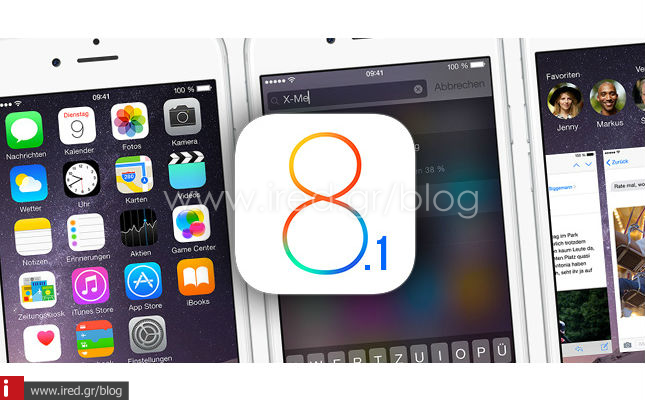

Upgrade your devices to iOS 8.1
If you haven't yet upgraded to iOS 8 follow the preparation guide and the iOS 8 installation guide.
The new upgrade to iOS 8.1 is available. You can read the changes that iOS 8.1 brings here.
Upgrade instructions
You can upgrade from iOS 8.0.2 to iOS 8.1 over Wi-Fi. The entire upgrade process was completed in about 20 minutes over Wi-Fi, with an internet speed of about 10 Mb/s.
Settings>General>Software Update

You will be given the option to download and install the upgrade to iOS 8.1. Accept the terms and installation will begin shortly. The size of the installation file is approximately 115 MB. If you have fast internet the download will not be delayed.
Once the file is downloaded it will be installed and your device will reboot.

Alternatively, you can upgrade via iTunes.
Connect your device to your computer. iTunes will notify you of the new version of iOS 8. Tap on the update and follow the on-screen instructions.

Wait until the update has been downloaded and installed.

You now have the newest version of iOS 8 installed on your iPhone or iPad.
If you want to learn more about iOS 8 features read our comprehensive guide.
from jericho
See more: